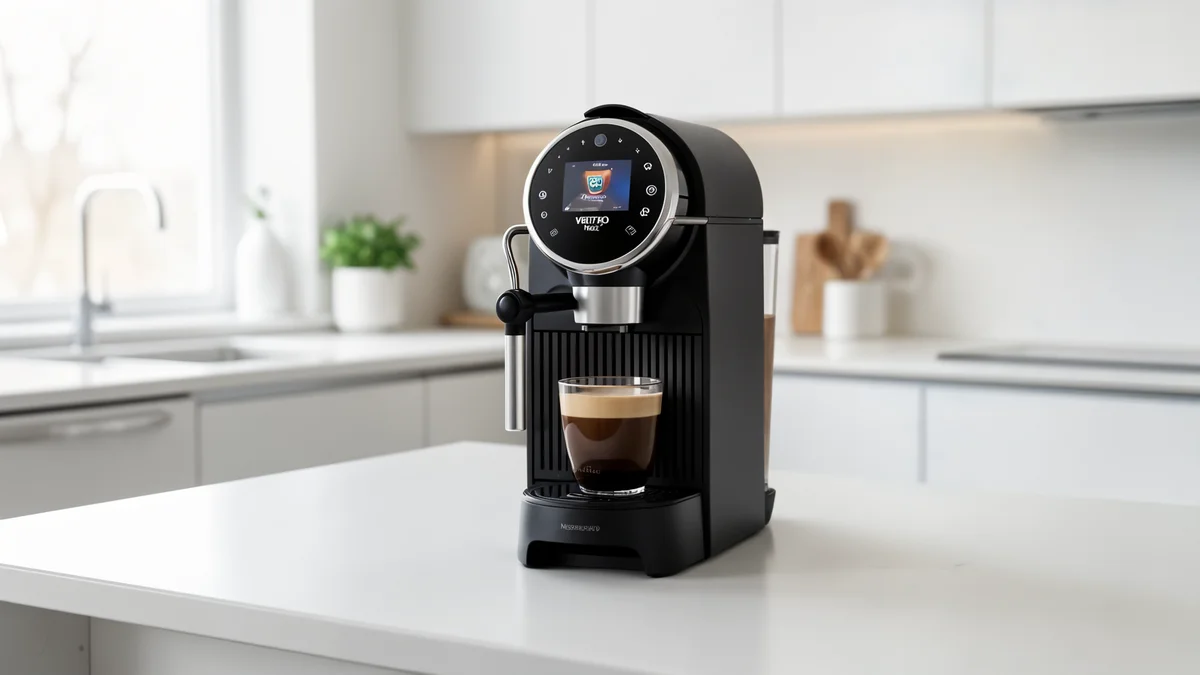
About the Pixie
The Pixie is part of the Nespresso lineup. The Pixie is fast and compact. If it shuts off mid-brew, the thermal fuse may be overheating. This model is supported in our comprehensive troubleshooting database.
Common Issues with Pixie
The most frequently reported problems for the Pixie include:
- Not turning on: Power delivery or thermal fuse issues
- Not heating: Limescale buildup or faulty NTC sensor
- Not brewing: Water flow obstruction or brew group jam
- Error codes: Maintenance alerts or component failures
- Leaking water: Seal wear or hose connection issues
Troubleshooting by Symptom
Other Nespresso Models
Preventive Maintenance
Keep your Pixie running smoothly:
- Descale every 2-3 months with approved descalant
- Clean the brew group weekly
- Replace water filters as recommended
- Use filtered water to reduce scale buildup
When to Call a Professional
If basic troubleshooting doesn't resolve the issue, contact an authorized Nespresso service center.