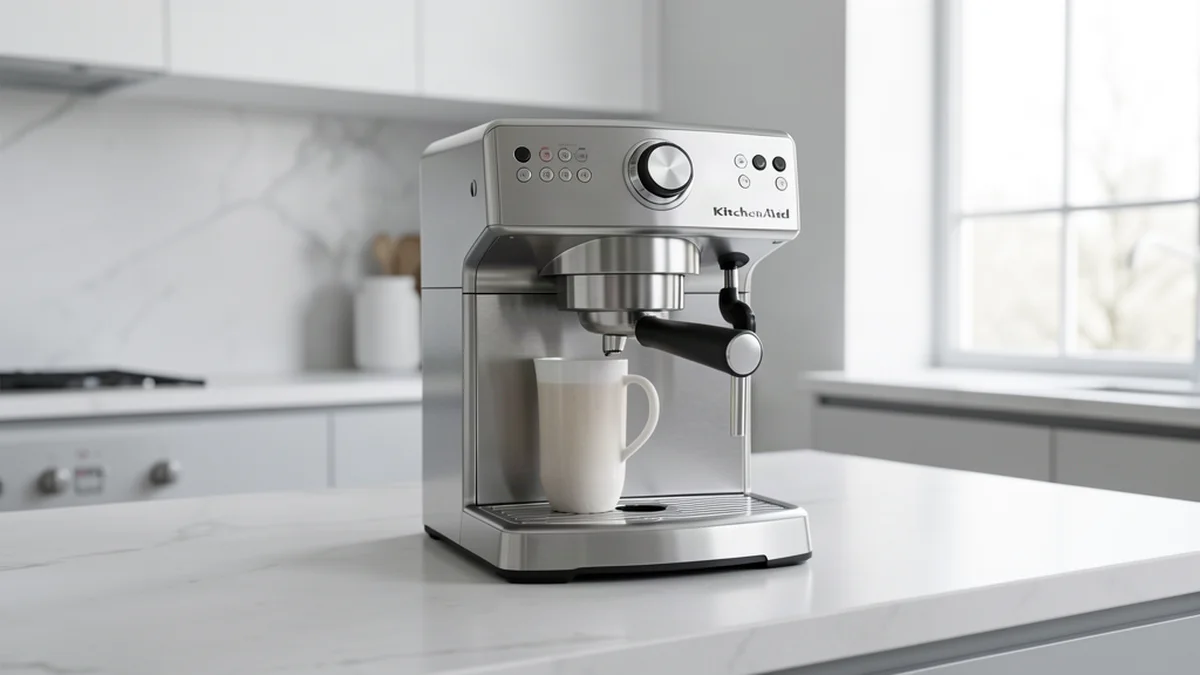
About the KCM111
The KCM111 is part of the Kitchenaid lineup. The KCM111 is a 12-cup coffee maker. If Err1 appears, hold the brew button for 10 seconds to reset. This model is supported in our comprehensive troubleshooting database.
Common Issues with KCM111
The most frequently reported problems for the KCM111 include:
- Not turning on: Power delivery or thermal fuse issues
- Not heating: Limescale buildup or faulty NTC sensor
- Not brewing: Water flow obstruction or brew group jam
- Error codes: Maintenance alerts or component failures
- Leaking water: Seal wear or hose connection issues
Troubleshooting by Symptom
Other Kitchenaid Models
Preventive Maintenance
Keep your KCM111 running smoothly:
- Descale every 2-3 months with approved descalant
- Clean the brew group weekly
- Replace water filters as recommended
- Use filtered water to reduce scale buildup
When to Call a Professional
If basic troubleshooting doesn't resolve the issue, contact an authorized Kitchenaid service center.